Technical support / Prepare a clear case

Request Technical Support

Technical support starts with a safe machine condition, correct machine identity and evidence that shows what happened. Use the checklist below to prepare a support request for CHENDA equipment. Do not bypass a safety function or enter a hazard zone to collect information.

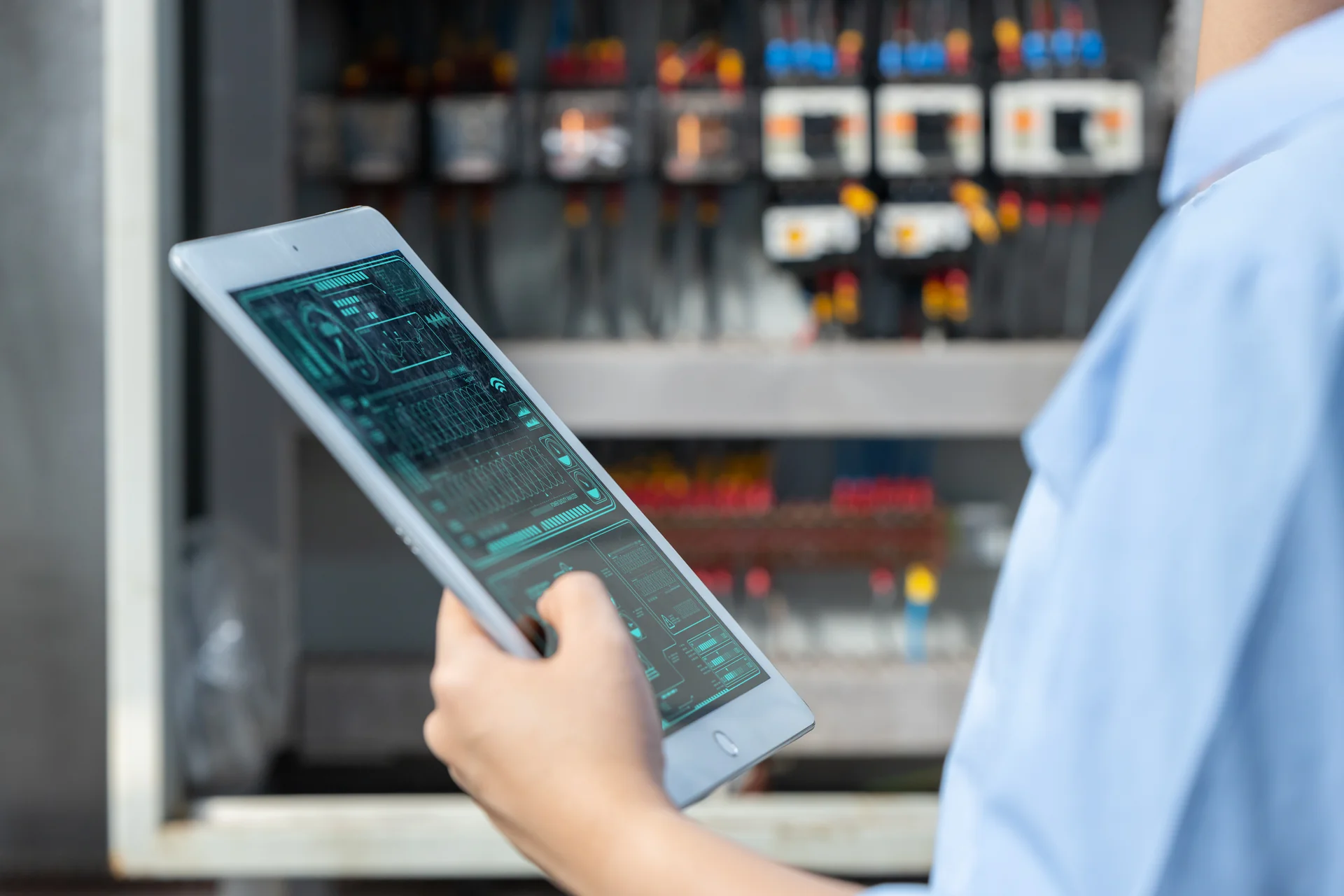
Equipment review using a tablet; technical support illustration
Technical diagnosis · illustrative photograph
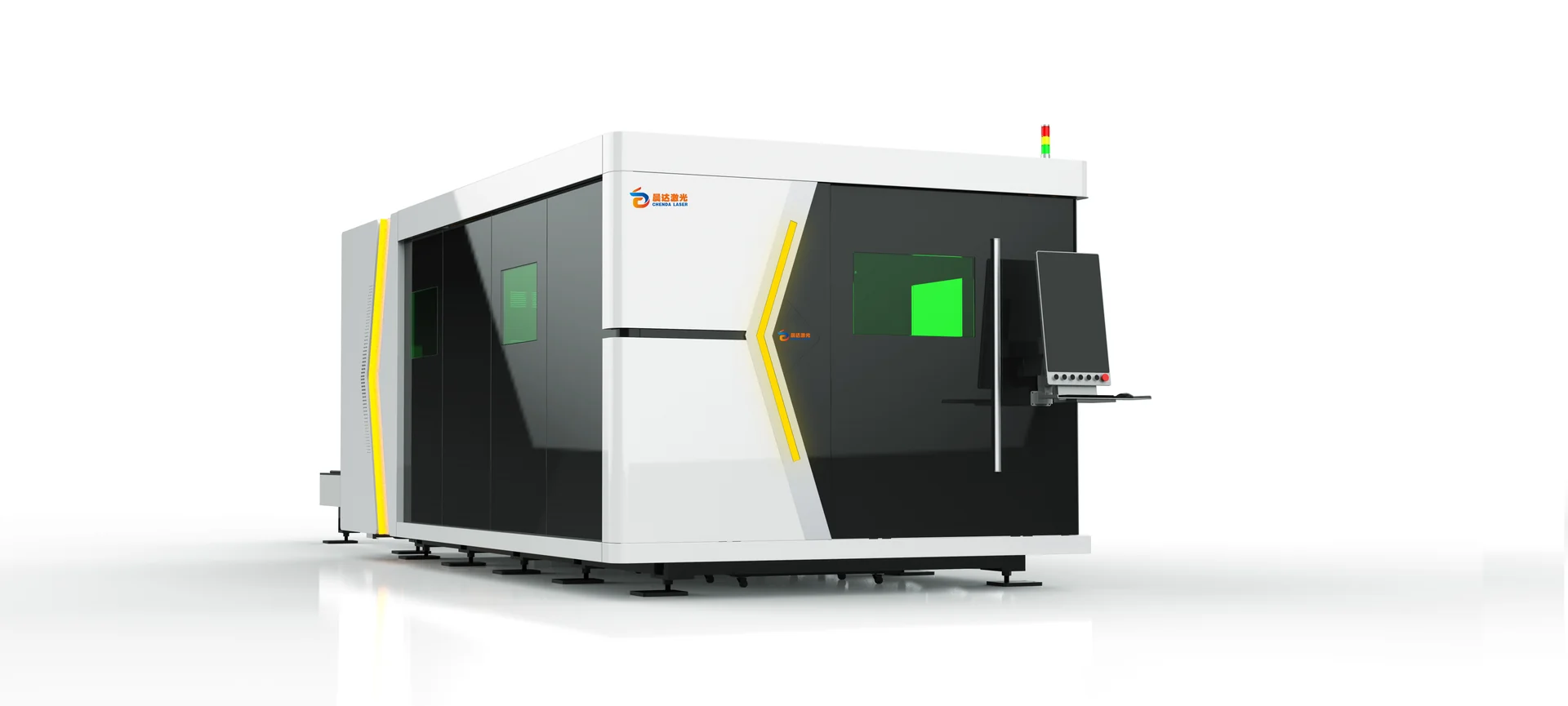
CHENDA enclosed laser cutting system

Immediate Safety Check

Stop and isolate the affected operation according to site procedures when there is fire, smoke, electrical odor, exposed wiring, coolant or hydraulic leakage, gas leakage, damaged guarding, uncontrolled motion, collision, abnormal pressure, broken optics or another condition that could harm people or equipment.

Do not:

  • Reset repeatedly without understanding the cause
  • Bypass guards, door switches, light curtains or interlocks
  • Bridge an emergency, pressure or grounding circuit
  • Open a live electrical cabinet without qualification
  • Look into a laser path or operate damaged optical equipment
  • Enter robot or moving-machine space without controlled isolation
  • Continue welding or cutting near leaking gas or combustible material

Contact local emergency or qualified site personnel first when the condition requires it.

Core Information for Every Case

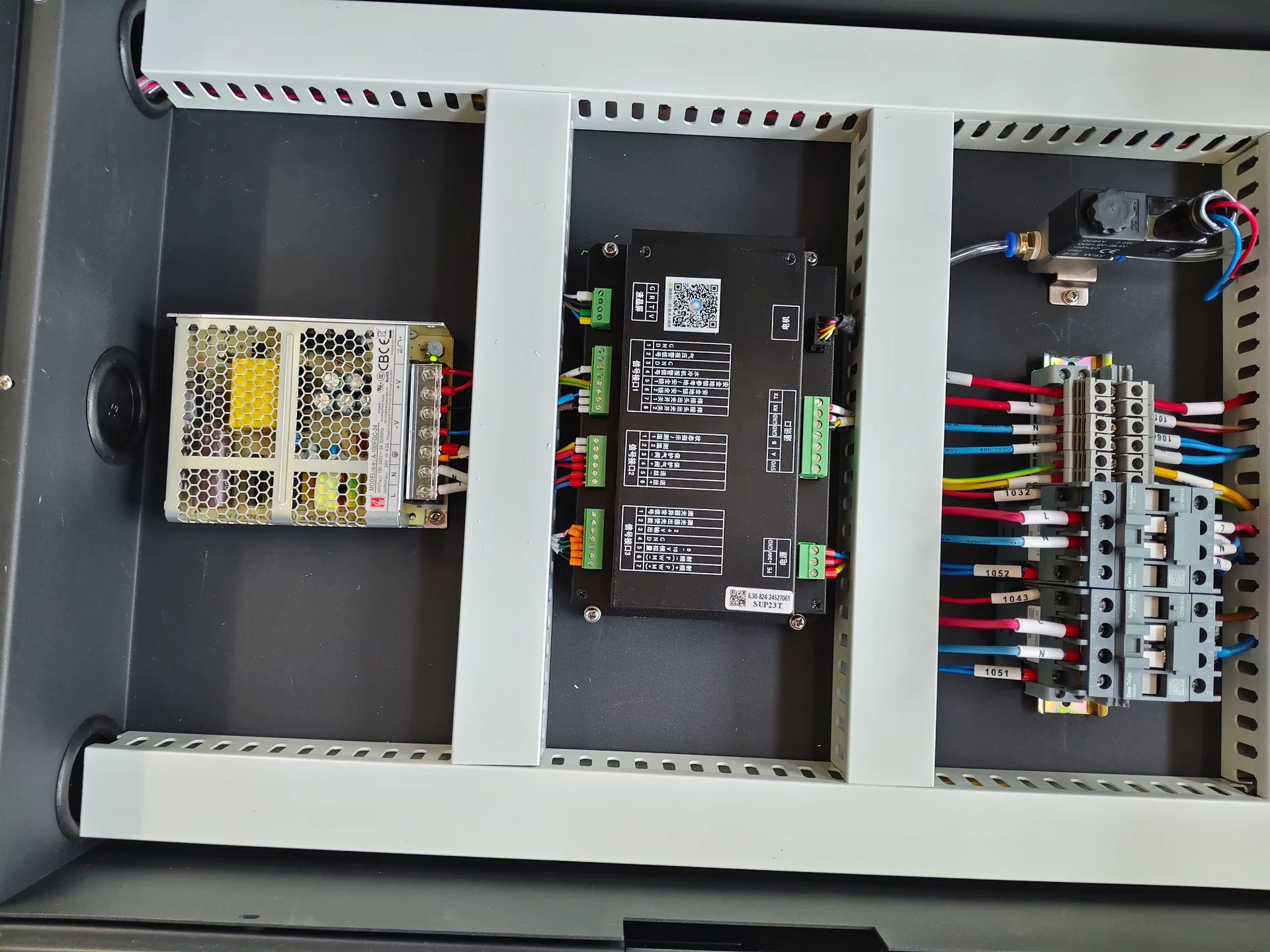
Electrical assembly with identified cables and installed components

Machine identity

  • Machine model
  • Machine serial number
  • Order, invoice or project reference
  • Installation site and approximate installation date
  • Controller and software version
  • Major component identity related to the issue

Photograph the machine nameplate and affected component label. Do not type a code from memory when a photo is available.
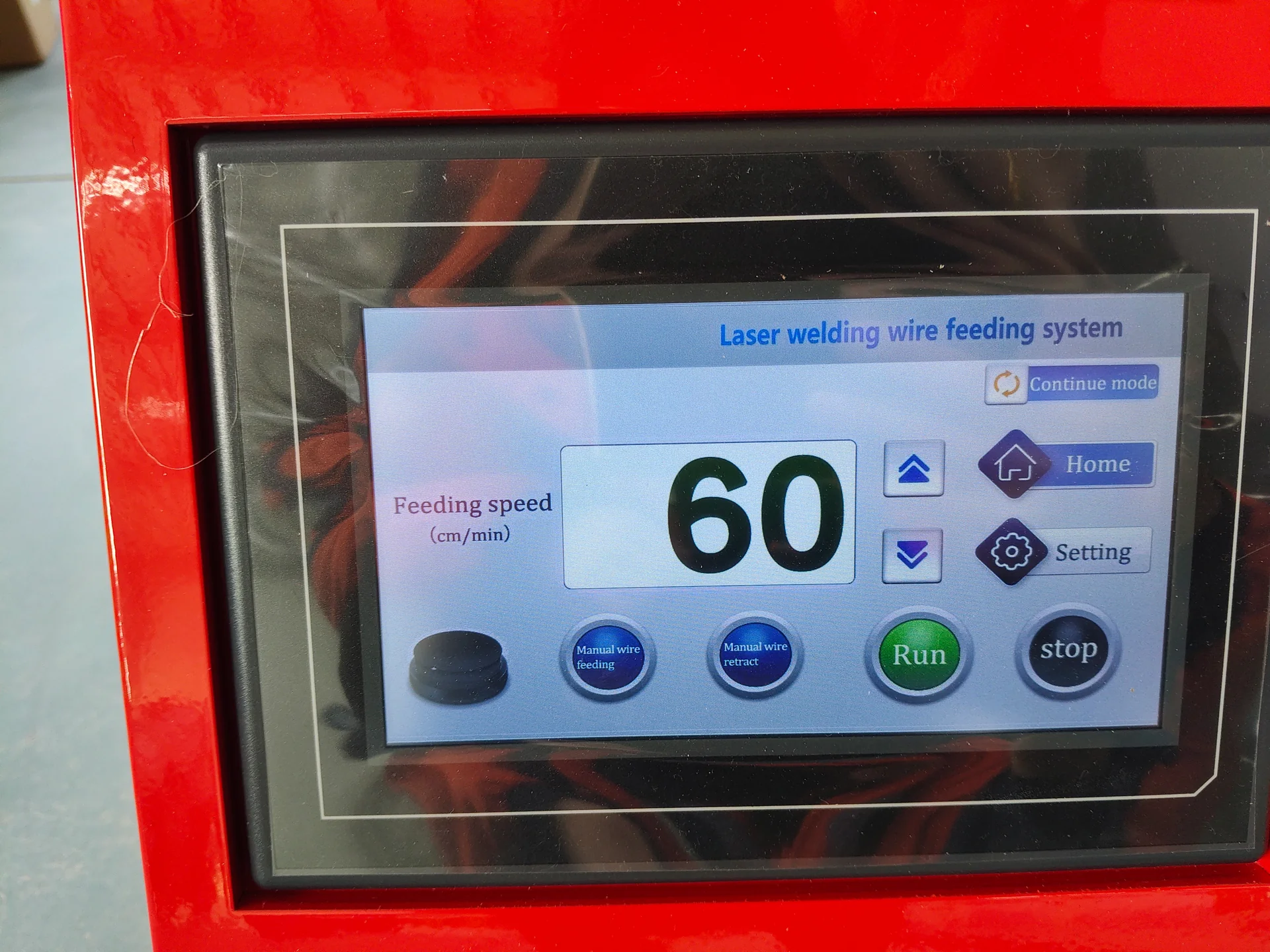
Full wire feeder control display

Problem statement

Describe the expected function and what occurred instead. Include:

  • Date and local time of the event
  • Full alarm text and code
  • Sequence before the alarm
  • Whether the fault is constant or intermittent
  • Whether it appears at startup, idle, motion or under process load
  • What allows it to clear, if anything
  • Whether the machine is stopped, isolated or operating normally

Avoid descriptions such as “machine broken” or “laser no work” without the observed condition.

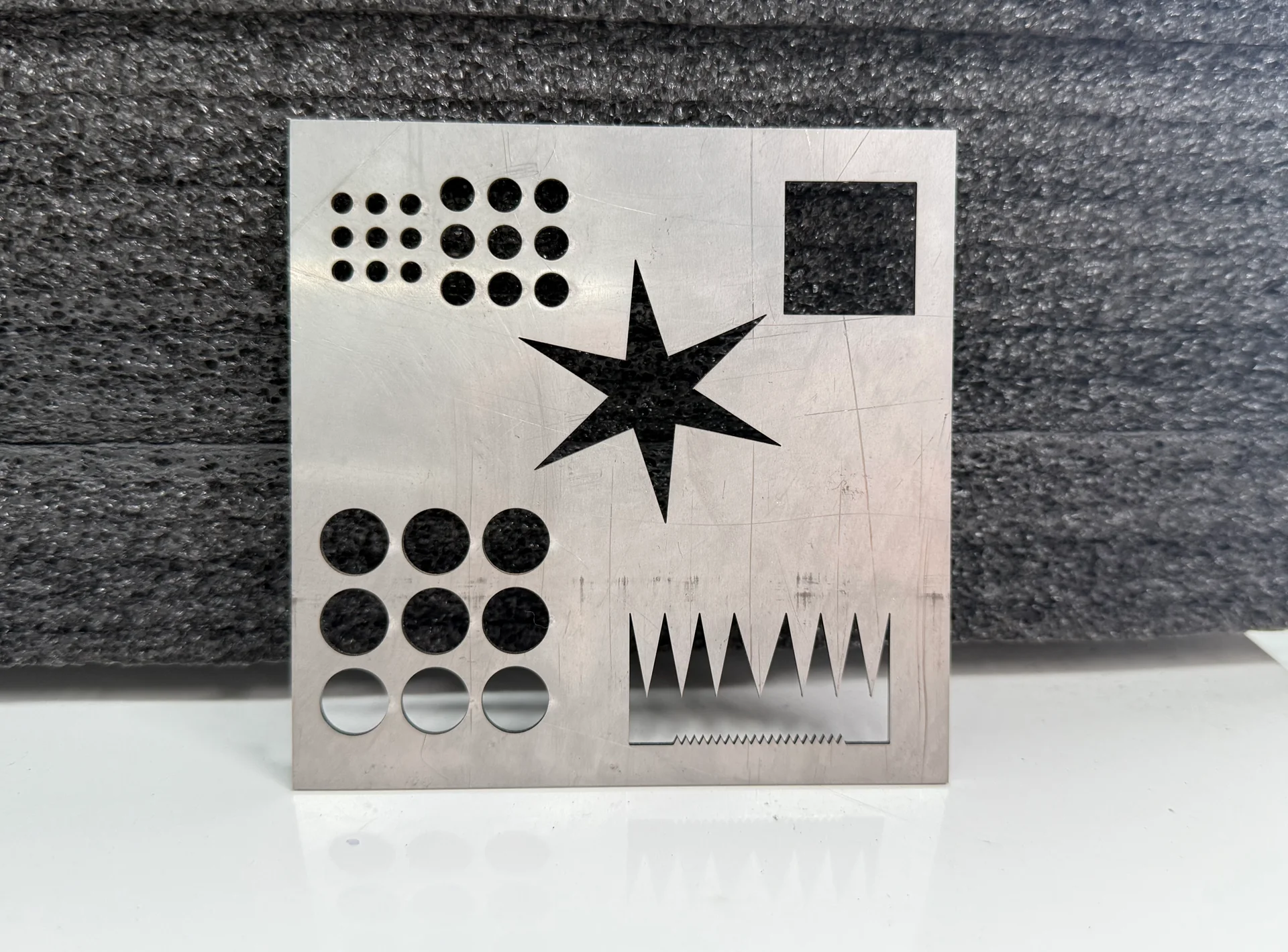
Cut metal contours and small geometric features

Operating condition

State the material, drawing or program, tooling, consumables, parameters and load. Add gas, compressed air, cooling, extraction, hydraulic, electrical and ambient conditions when relevant.

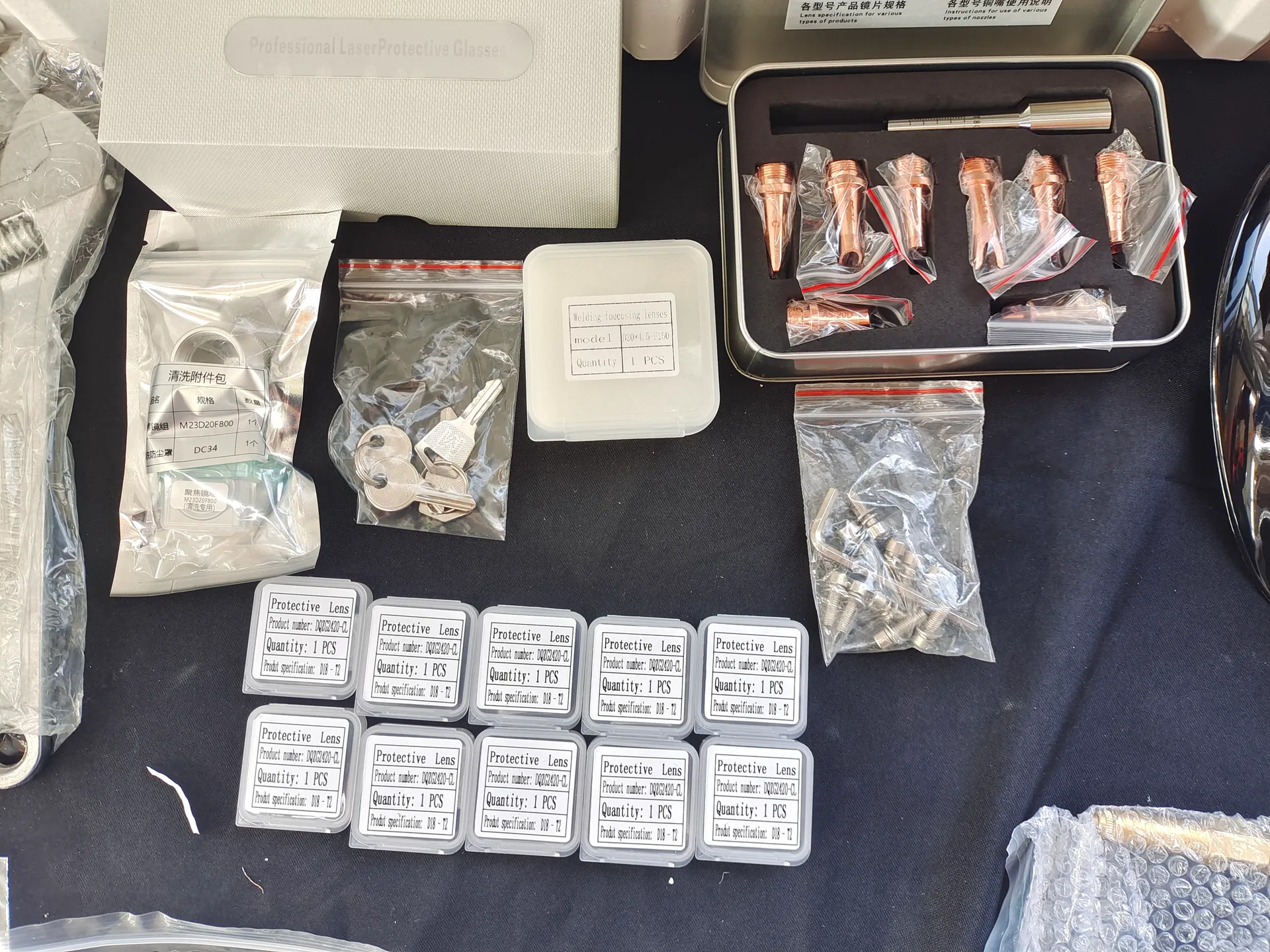
Welding process consumables and accessory packaging

Recent changes

Report maintenance, cleaning, part replacement, parameter change, software update, relocation, collision, power interruption, utility fluctuation, new material or operator action before the issue. A recent change can shorten diagnosis significantly.

Photos and Video

Provide evidence in a clear sequence:

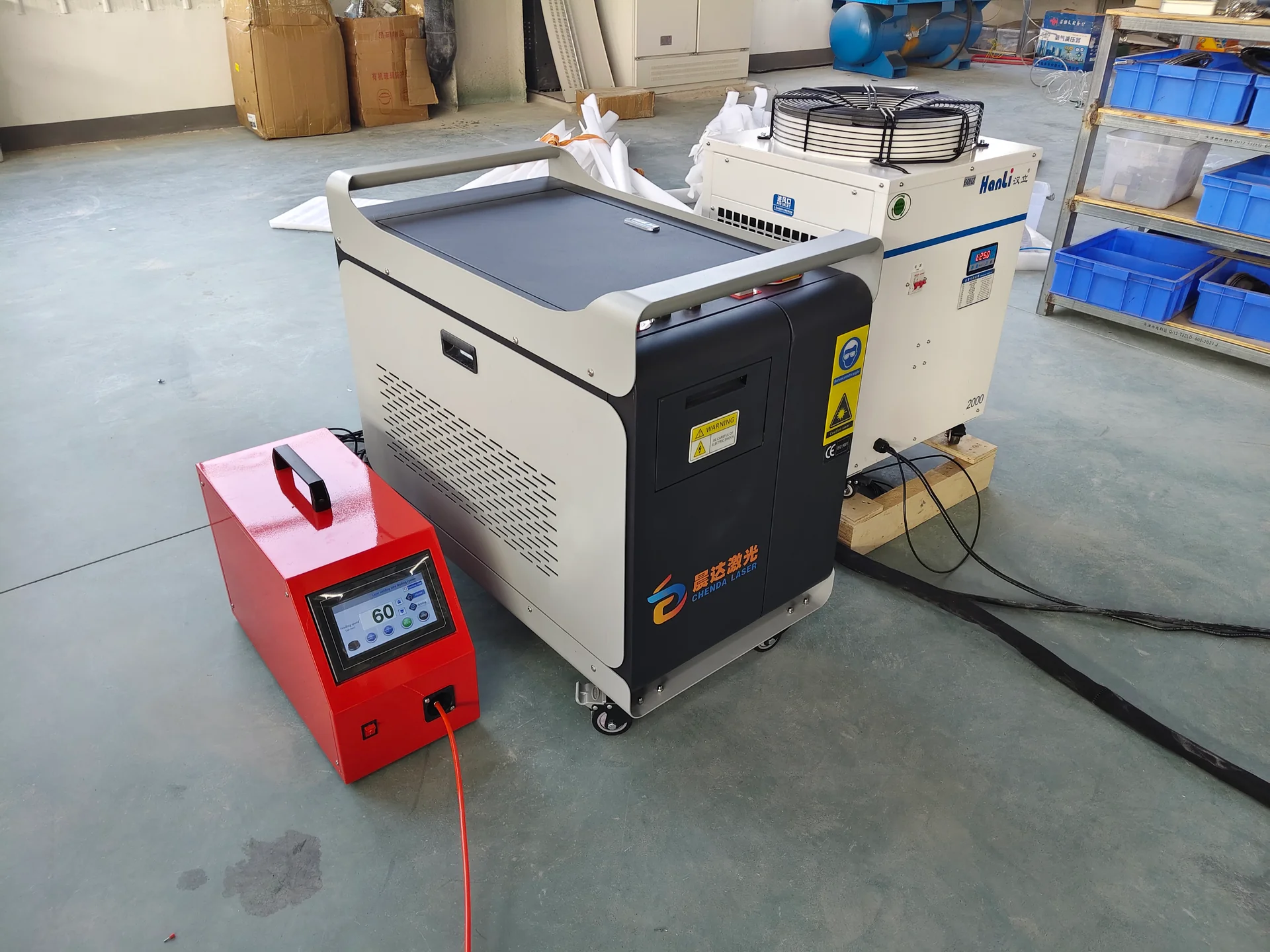
CHENDA welding system with its auxiliary equipment
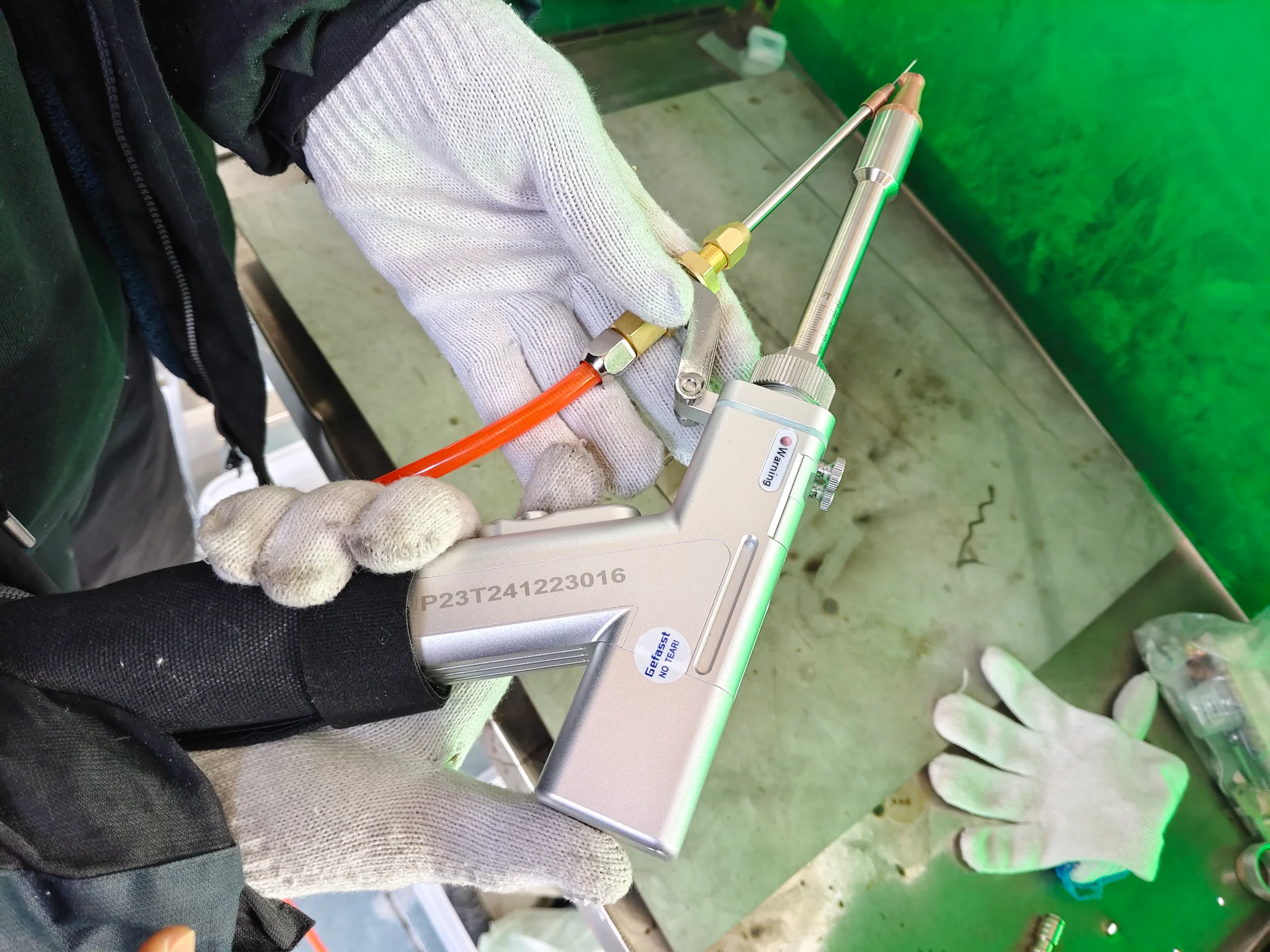
Welding head and wire guide close-up
Full wire feeder control display
  1. Machine overview showing where the issue occurs
  2. Full controller or alarm screen
  3. Affected assembly in context
  4. Component label and connectors
  5. Close-up of damage, leakage, cut, weld or mark
  6. Original video showing the complete motion or sound when safe

Do not edit a video in a way that removes the event sequence. If the file is large, ask for an approved transfer method.

Machine-Specific Evidence

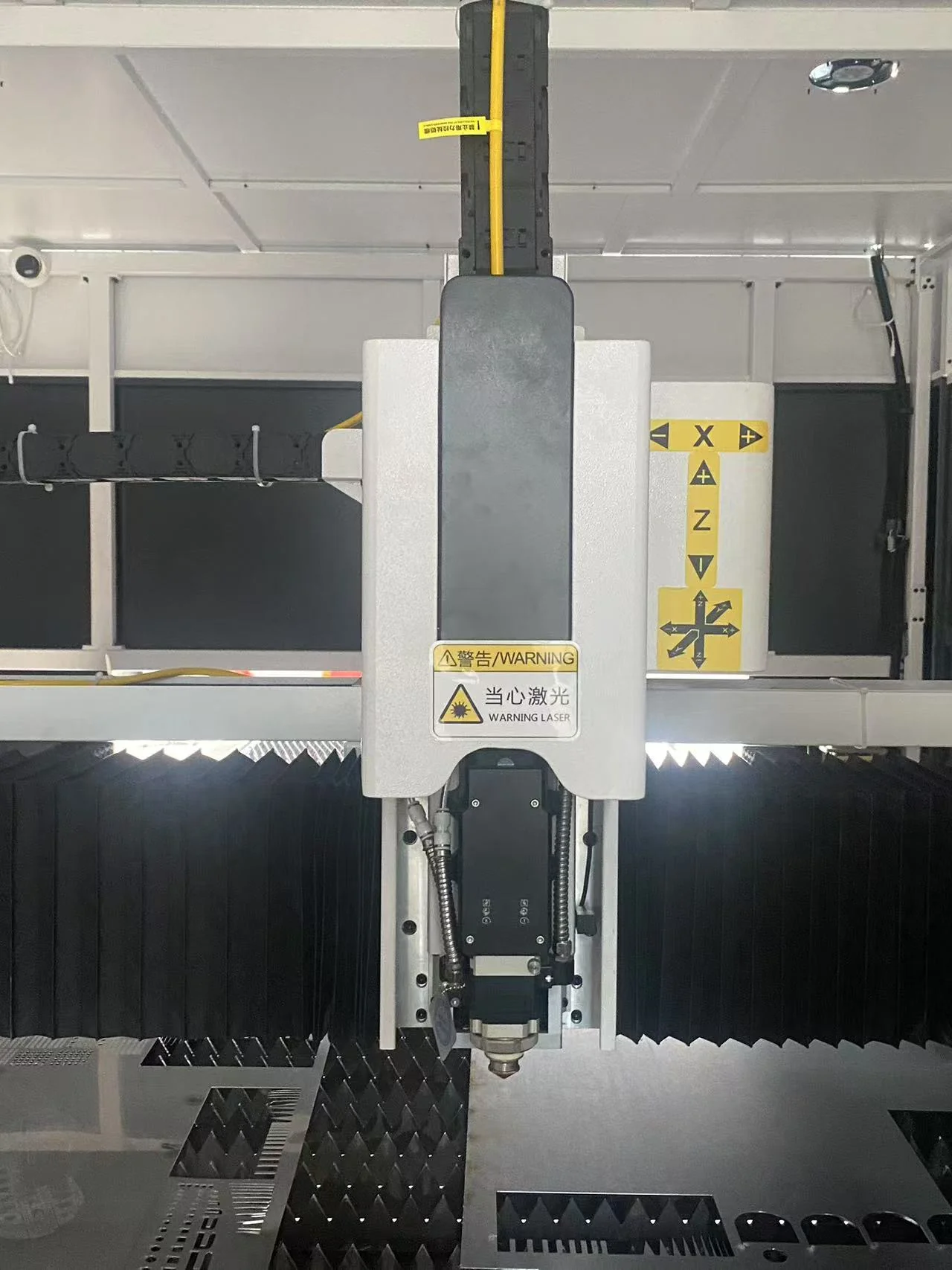
Installed laser cutting head and axis assembly

Laser cutting machine

Include material and thickness, assist gas and pressure, nozzle and lens condition, cutting head model, laser and chiller status, program, problem location in the nest and photographs of both sides of the cut. For motion faults, show axis position and any collision history.

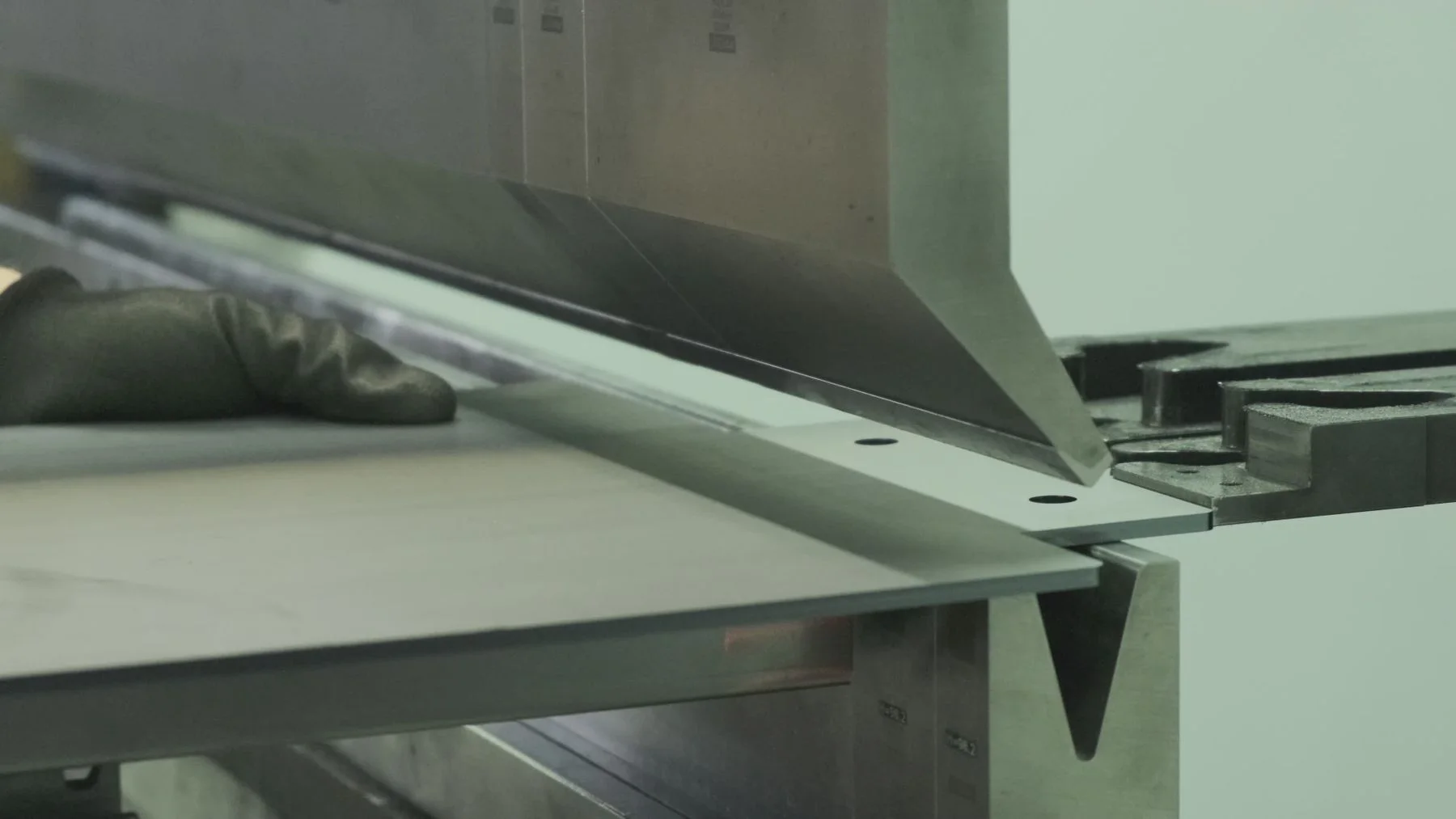
Sheet bending tooling and process; reference

Press brake

Include material, thickness, bend length, punch and die, die opening, controller program, axis positions and the measured angle or flange. Photograph the tooling setup, backgauge and the full part. State whether variation follows a material batch, location along the bed or repeated cycle.

CHENDA welding system with its auxiliary equipment

Welding machine or robot

Identify laser or MIG/MAG process, power source, torch or head, wire feeder, robot and chiller. Include base material, joint, gap, wire, shielding gas, fixture, program and weld photographs. For robots, provide the job step and exact fault position without exposing people to movement.

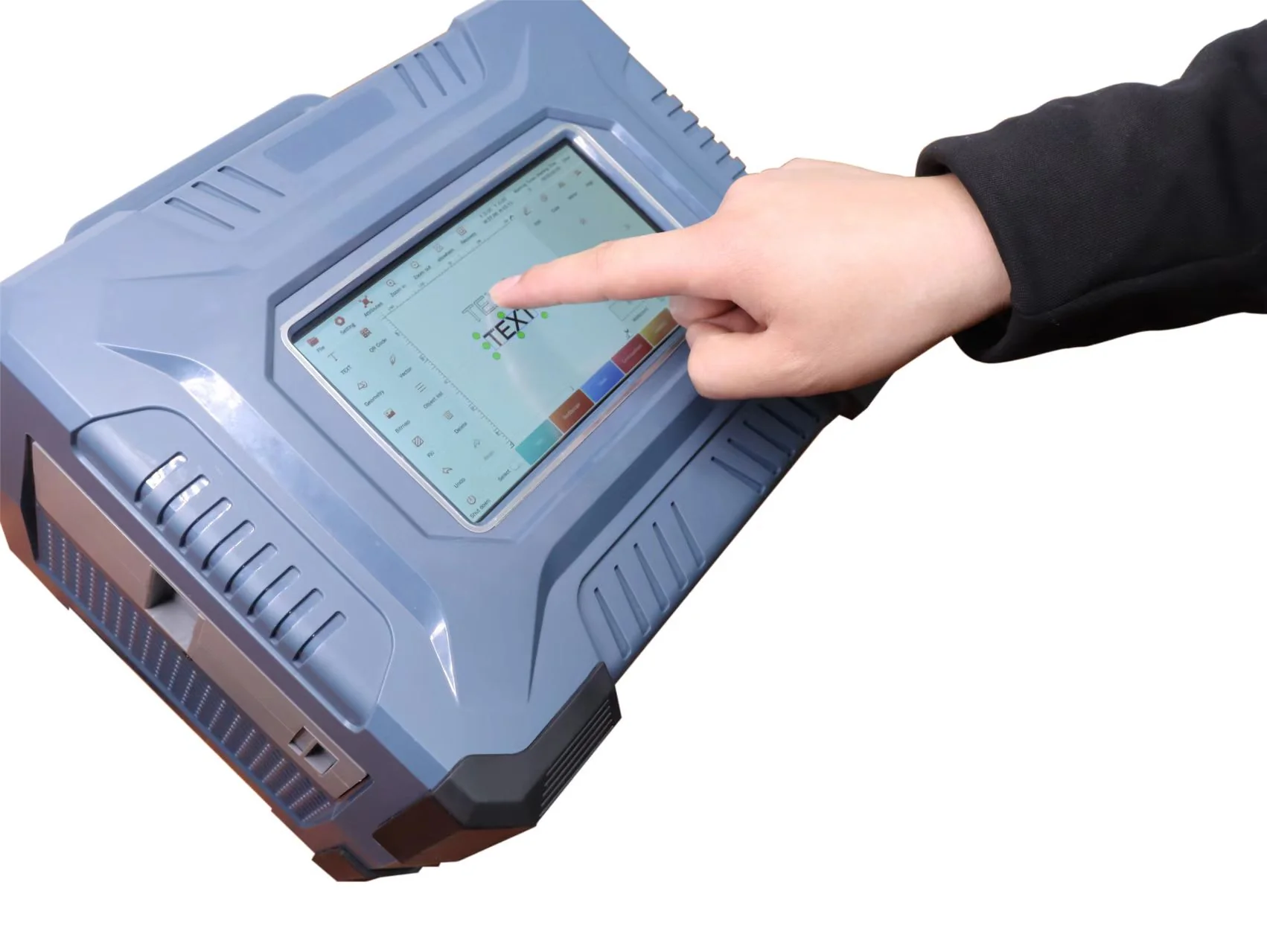
Portable marking system and control display

Laser cleaning or marking

Include substrate, target layer or mark, source and scan-head status, lens, field or focal setup, parameters and photographs before and after. State whether the issue is output, uniformity, focus, software or motion.

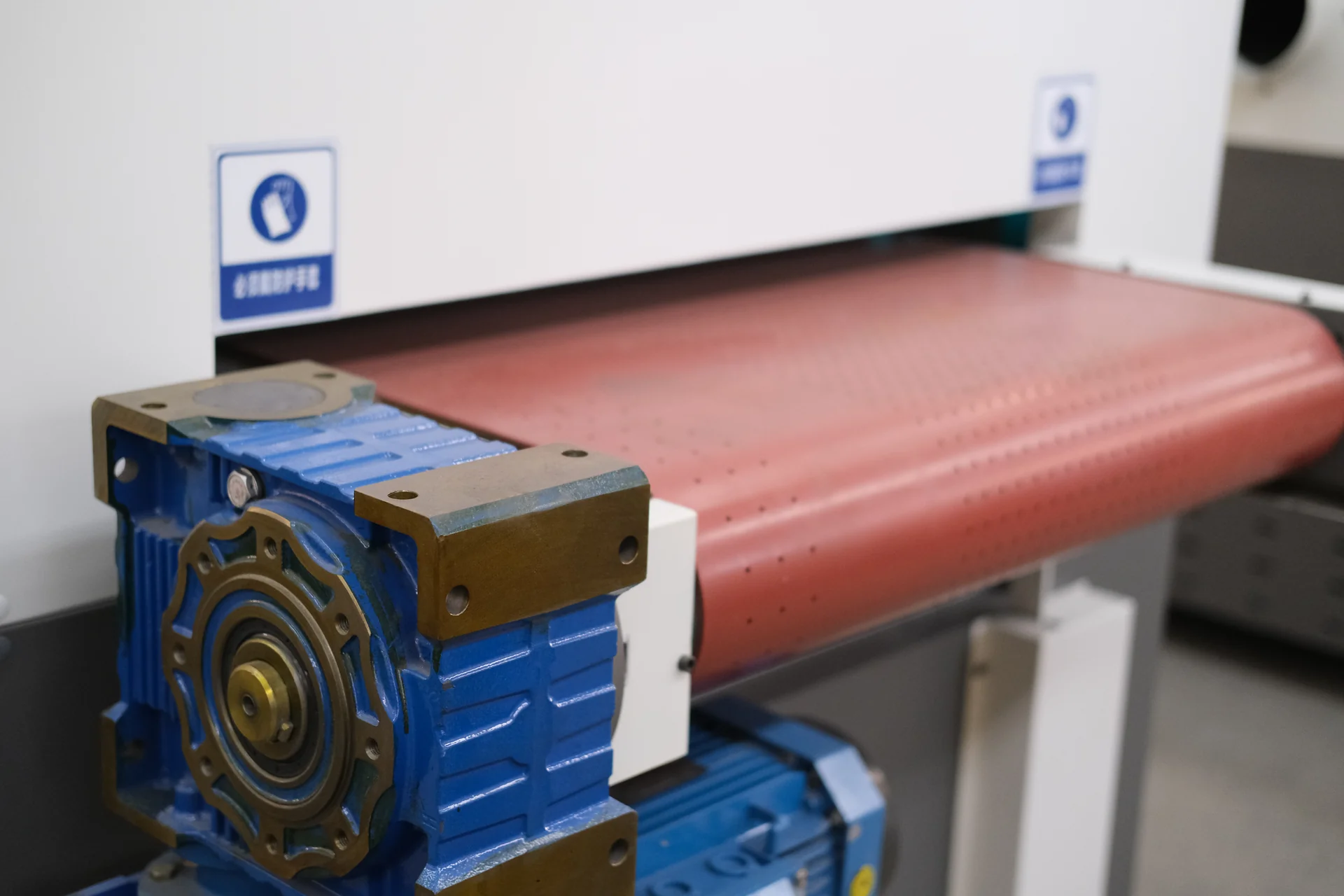
Finishing machine conveyor gearmotor; equipment reference

Deburring and finishing machine

Include part size and material, incoming burr or slag, abrasive or brush identity, feed setting, hold-down and photographs before and after. Show belt tracking, wear or extraction condition if related.

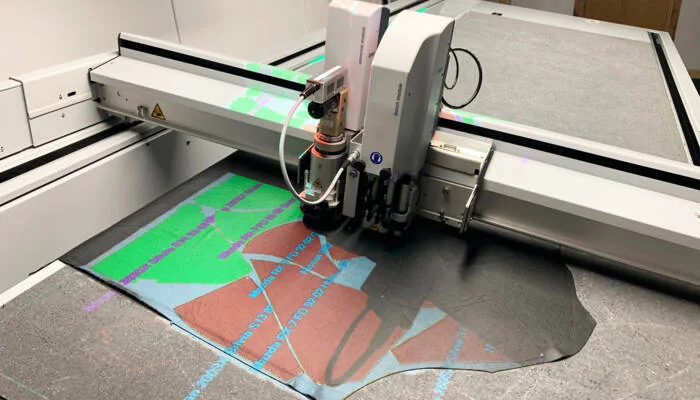
Digital knife tool cutting leather; process reference

Digital knife cutter

Include material name and sample, thickness, tool and blade, file, vacuum zones, cutting mat, registration method and photographs of the failed contour. Record whether material shifted, tore, compressed or remained partially connected.

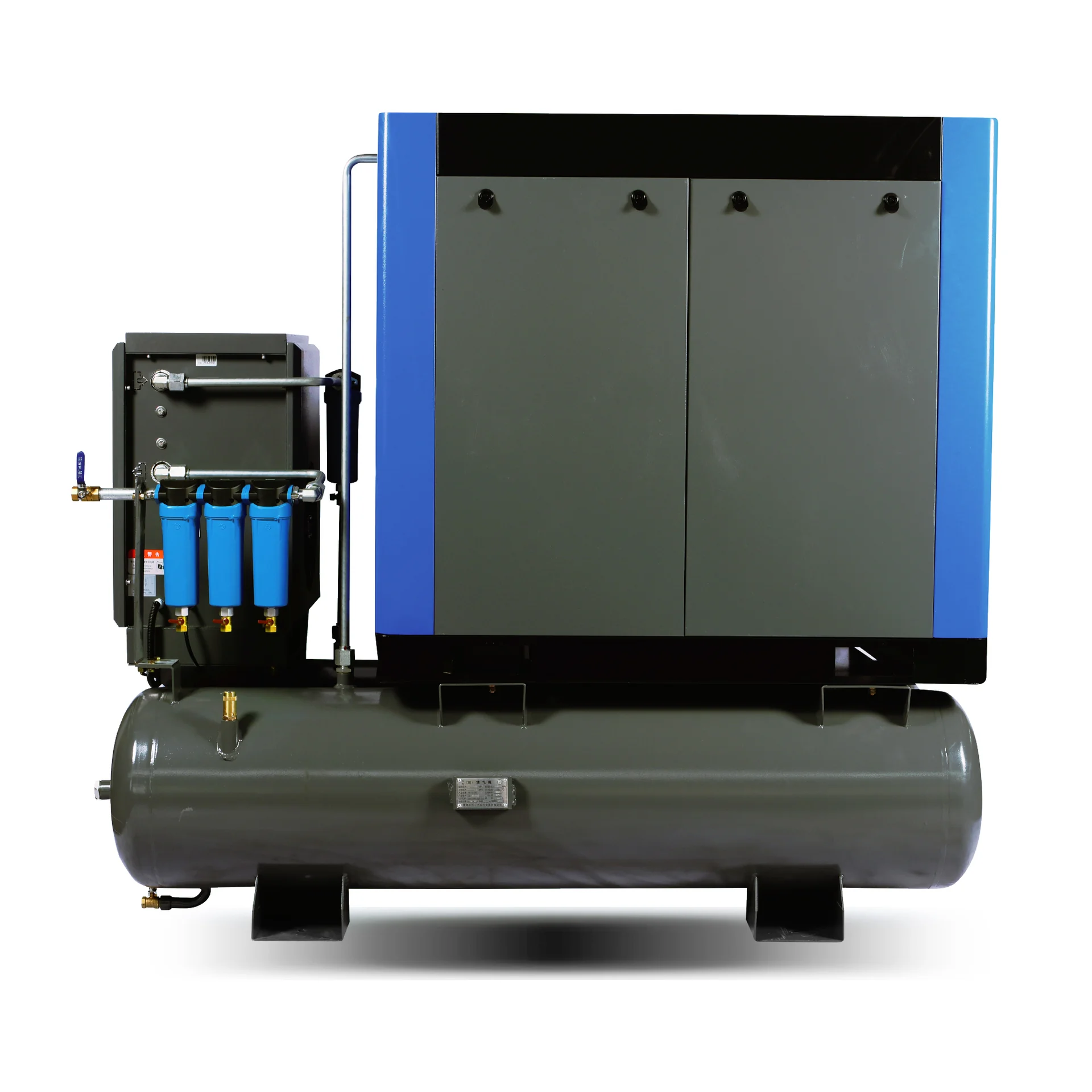
Compressor system with receiver and filter bank

Air compressor

Include compressor model and serial, controller alarm, pressure, temperature, hours, service history, leak or oil condition and connected demand. Do not open pressurized components.

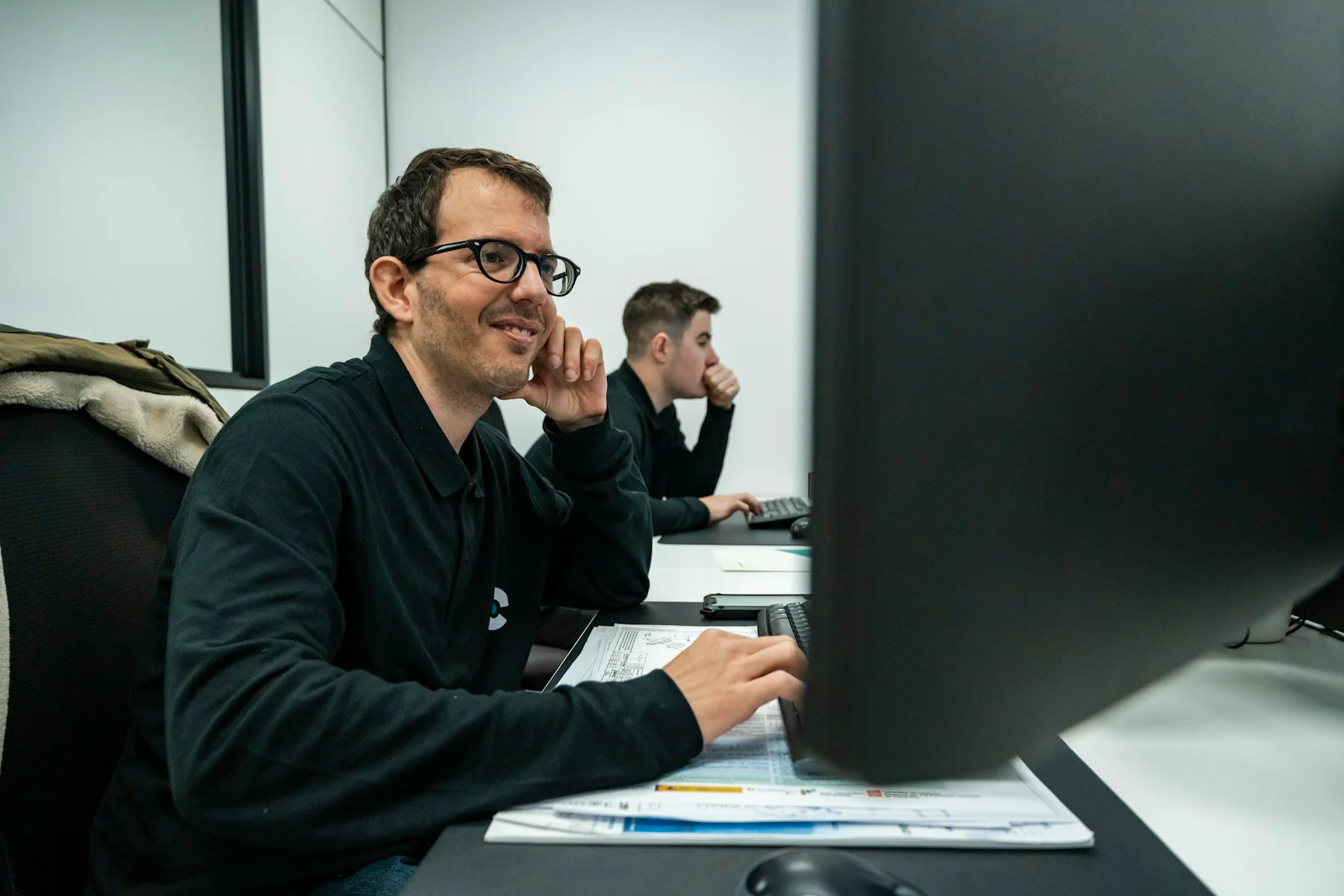
Staff working at technical office computers; reference
Technical case review · illustrative reference

What Happens After Submission

CHENDA reviews the case for machine identity, safety status and missing evidence. The next step may be a request for a clearer label, log, parameter backup, utility reading or controlled test. A qualified person may need to perform electrical, mechanical or process checks.

The review seeks to separate possible causes before recommending a part or adjustment. Depending on the findings, the case may proceed to operating guidance, maintenance, repair, spare-part quotation, warranty review or another service arrangement.

Response and completion timing depend on case complexity, evidence, time zone, personnel and parts. Confirm any urgent production or safety condition in the message, but do not interpret this page as a guaranteed response time.

Equipment review using a tablet; technical support illustration

Remote Access

Remote connection should occur only with customer authorization and an agreed tool. The customer should control who can connect, when the session begins and what systems are accessible. Back up relevant configuration before changes. Record parameters, software and actions taken during the session.

Do not send passwords in a public form or leave permanent unattended access unless the parties have approved the security method.

Written document review; reference

Warranty Review

Opening a support case does not determine warranty coverage. If diagnosis suggests a failed component, CHENDA may request maintenance history, operating evidence, the affected part, order terms and additional inspection. Keep the component and labels until return or disposal instructions are agreed.

Read Warranty and Service for the assessment process.

Copyable Support Request

Electrical assembly with identified cables and installed components

Subject: Technical Support | Model | Serial Number | Alarm or Symptom

Company and site:
Contact person and time zone:
Machine model:
Machine serial number:
Order reference:
Controller and software version:

Expected operation:
Observed problem:
Full alarm text:
First occurrence date and time:
Constant or intermittent:
Machine safety status:

Material and job:
Tooling, consumables and parameters:
Power, gas, air, cooling or hydraulic condition:
Recent maintenance, change, collision or power event:

Actions already taken:
Result of each action:

Attachments:
- Machine nameplate
- Full alarm screen
- Overview photo
- Affected component label
- Original video or process result
CHENDA welding system with its auxiliary equipment

Submit the Case

Send the completed record to info@chendalaser.com. For general operating questions, review the Technical FAQs. For an equipment project rather than a fault, use Get a Quote.