Digital Cutting Equipment for Textiles and Upholstery
Digital knife cutting can convert nested patterns into textile, leather, synthetic leather, felt, foam and other compatible flexible-material parts. The machine must control material movement while preserving the shape, face and edge needed for sewing or upholstery. Material stretch, porosity and direction can matter more than nominal thickness.
CHENDA’s digital-cutting project library supports discussion of flatbed and suitable feeding configurations. The final tool, table, conveyor, camera and software scope must be confirmed from actual samples and patterns. This page does not claim universal compatibility with every fabric or leather.
Digital cutting and pattern removal · industry reference
01 / Start with the pattern family
Products and Pattern Types
Potential applications include upholstery panels, soft furniture covers, automotive interior components, bags, protective covers, felt components, foam layers and selected apparel or technical-textile patterns. Some jobs use single layers for accuracy and variation. Others use several layers, but multilayer capability depends on the material, stack, hold-down and selected cutting technology.
Define the actual production method rather than asking for a generic “fabric cutter.”
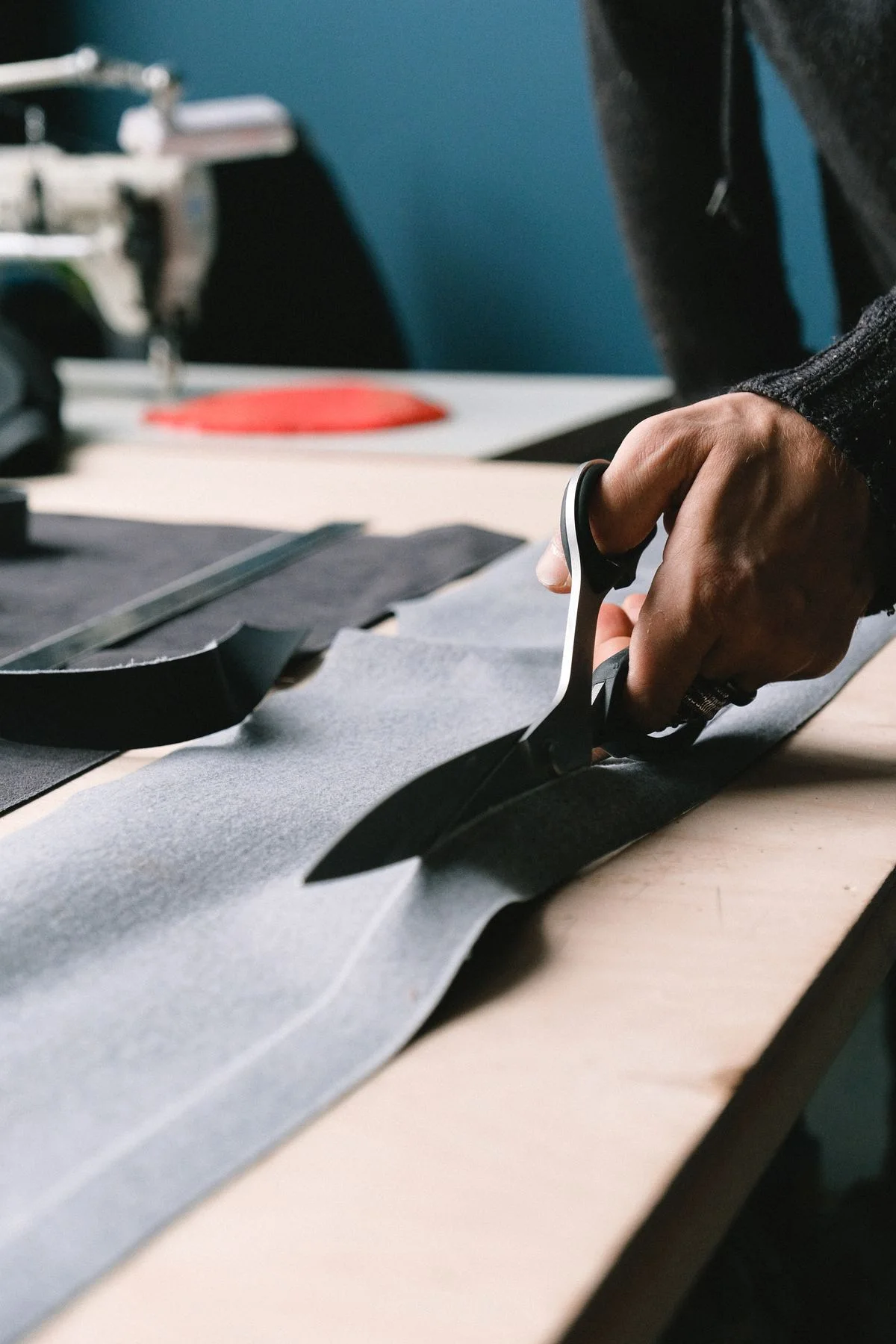
Pattern contours and flexible material · cutting illustration
02 / Understand the material
Material Behavior Controls the Process
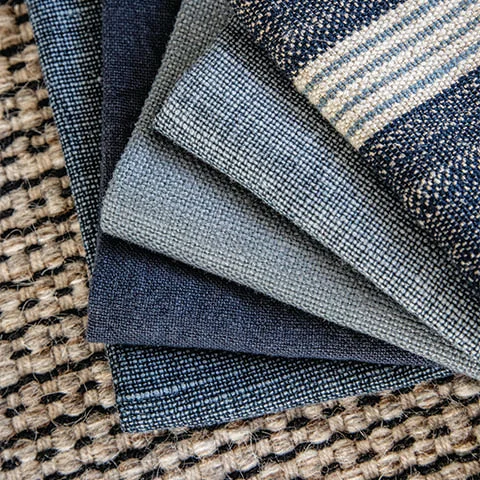
Weave, grain and surface variation · material reference
Stretch and recovery
Knitted and elastic materials can distort during loading, vacuum hold-down, cutting and removal. Measure patterns after the material has relaxed under the normal production condition. Excess tension can produce accurate cuts on the table that change shape later.
Porosity
Air passes through many textiles, reducing vacuum hold-down. Table zoning, underlay or overlay methods, material coverage and leak control may be needed. Test the full usable width and small separated pieces.
Grain, nap and visual direction
Woven grain, leather grain, brushed nap, print direction and shade variation restrict nesting rotation. The nesting software can only optimize within the rules provided by the operator.
Surface and backing
Coatings, adhesive backings, films, foam laminates and delicate faces influence blade choice, friction and table contact. Some materials leave fibers or residue that affect maintenance and hold-down.
Natural variation
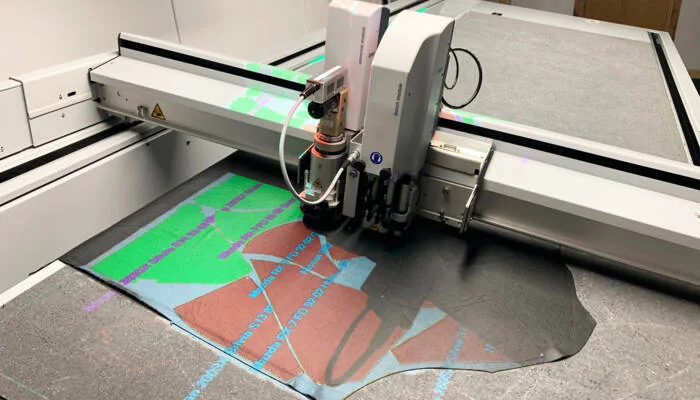
Leather and other natural materials may contain defects, variable thickness and usable-area limits. If defect recognition or projection is needed, define the human and software workflow. Do not assume that a camera automatically grades material.
03 / Keep the pattern under control
Cutting Workflow
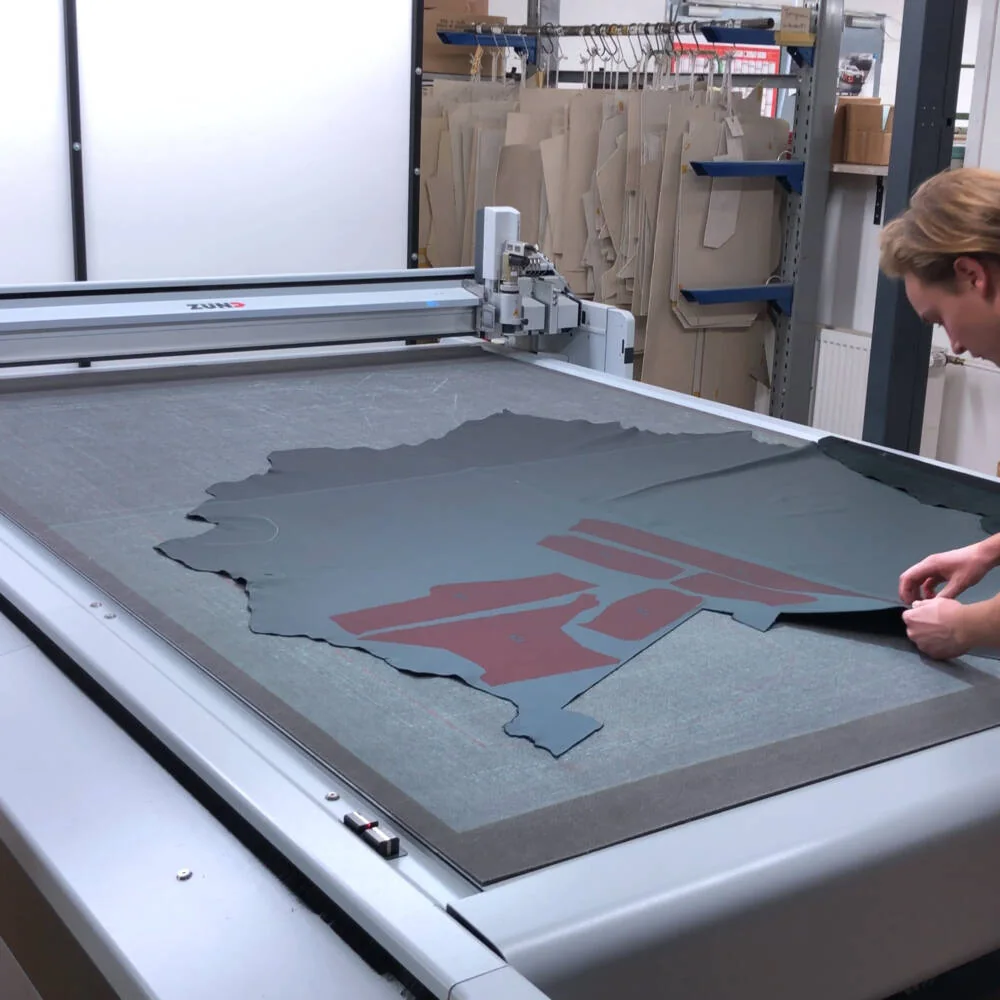
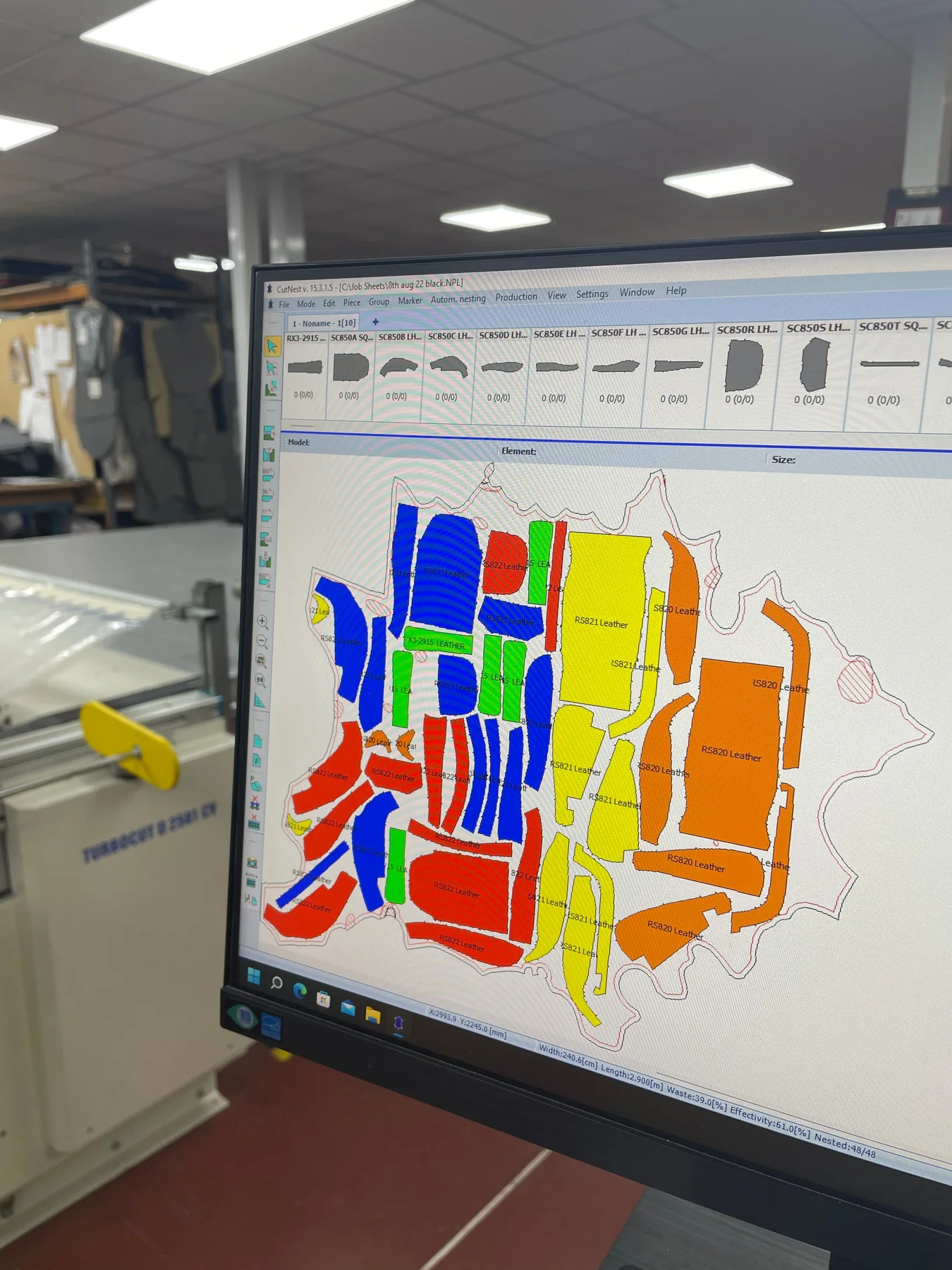
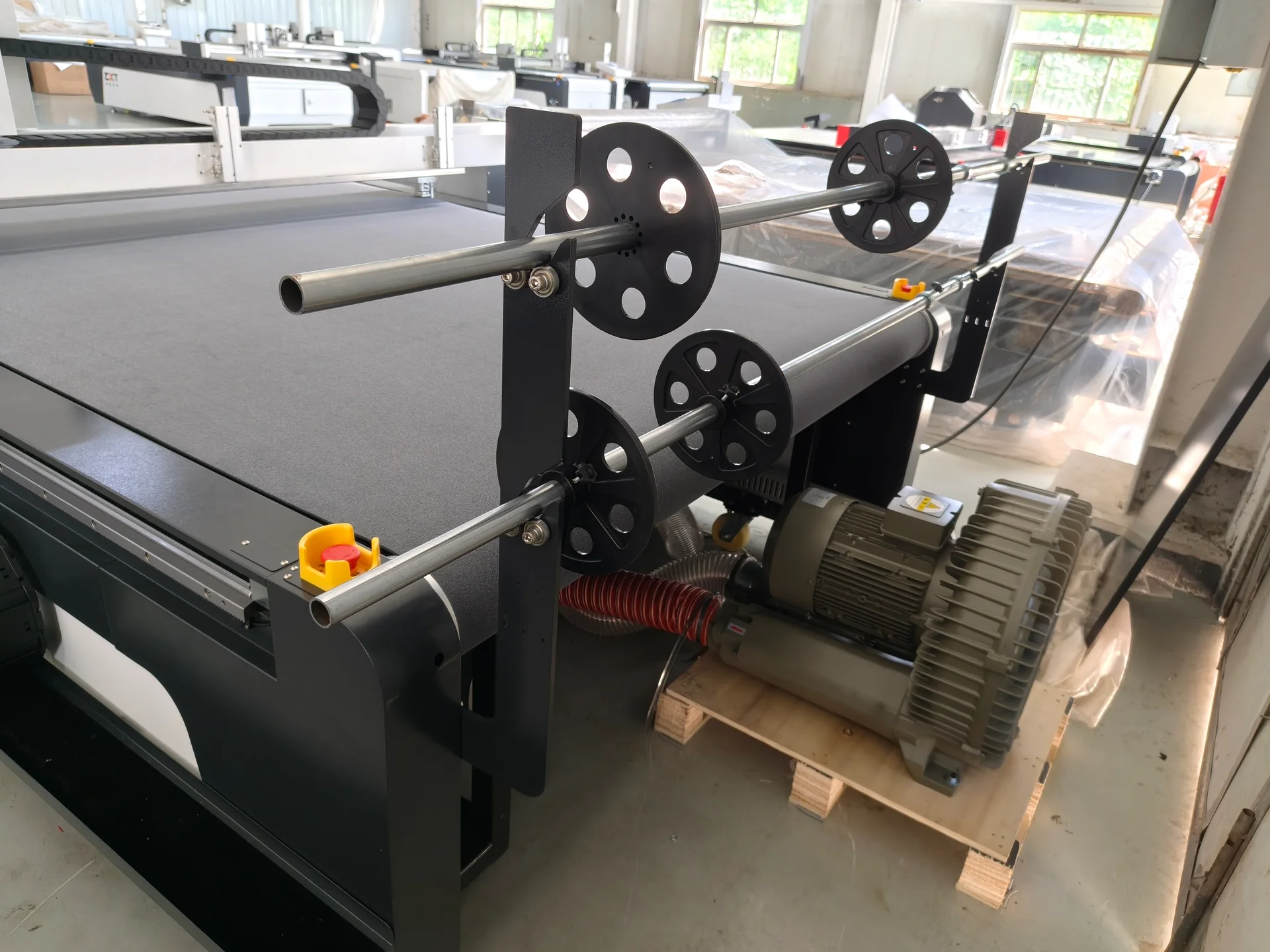
Patterns nested within a leather boundary · software referenceRoll feeding and vacuum equipment
01
Pattern preparation
Import or create clean, closed contours. Confirm units, seam allowance, notches, drill or mark points, mirror rules and size grading. Maintain the link between pattern revision and production order.
02
Nesting
Set material width, directional constraints, pair or symmetry rules, defect zones and spacing. Material yield should be measured after usable defects and collection losses, not from the theoretical nest alone.
03
Loading
Sheet material is placed without stretch or wrinkles. Roll feeding requires alignment, controlled tension and a method for advancing material without accumulating skew. A conveyor may support continuous work, but the cutting and feed repeatability must be tested together.
04
Hold-down and cutting
Vacuum zones keep the active area stable. The selected knife action, blade, depth and speed should cut the required layers without pulling yarns, dragging corners or damaging the underlay.
05
Marking, removal and bundling
If pieces need labels, notches or assembly marks, confirm the method and whether it survives handling or sewing. Operators should remove parts without stretching them and bundle mirrored or matched sets reliably.
04 / Judge the cut edge
Tool Selection
The quoted tool set should be based on sample results. Possible actions on suitably configured systems can include drag cutting, oscillating cutting, rotary cutting, perforation or marking, but availability and suitability must be confirmed for the machine.
Evaluate:
Edge fraying or fiber pull
Corner radius and small notches
Tool drag on elastic material
Compression of foam or multilayer stacks
Heat-sensitive or adhesive behavior
Blade wear and replacement access
Noise, fiber and waste control
One blade rarely covers the full range from thin film to dense felt and foam.
Digital tooling over leather · process reference
05 / Design the material flow
Table Size, Conveyor and Feeding
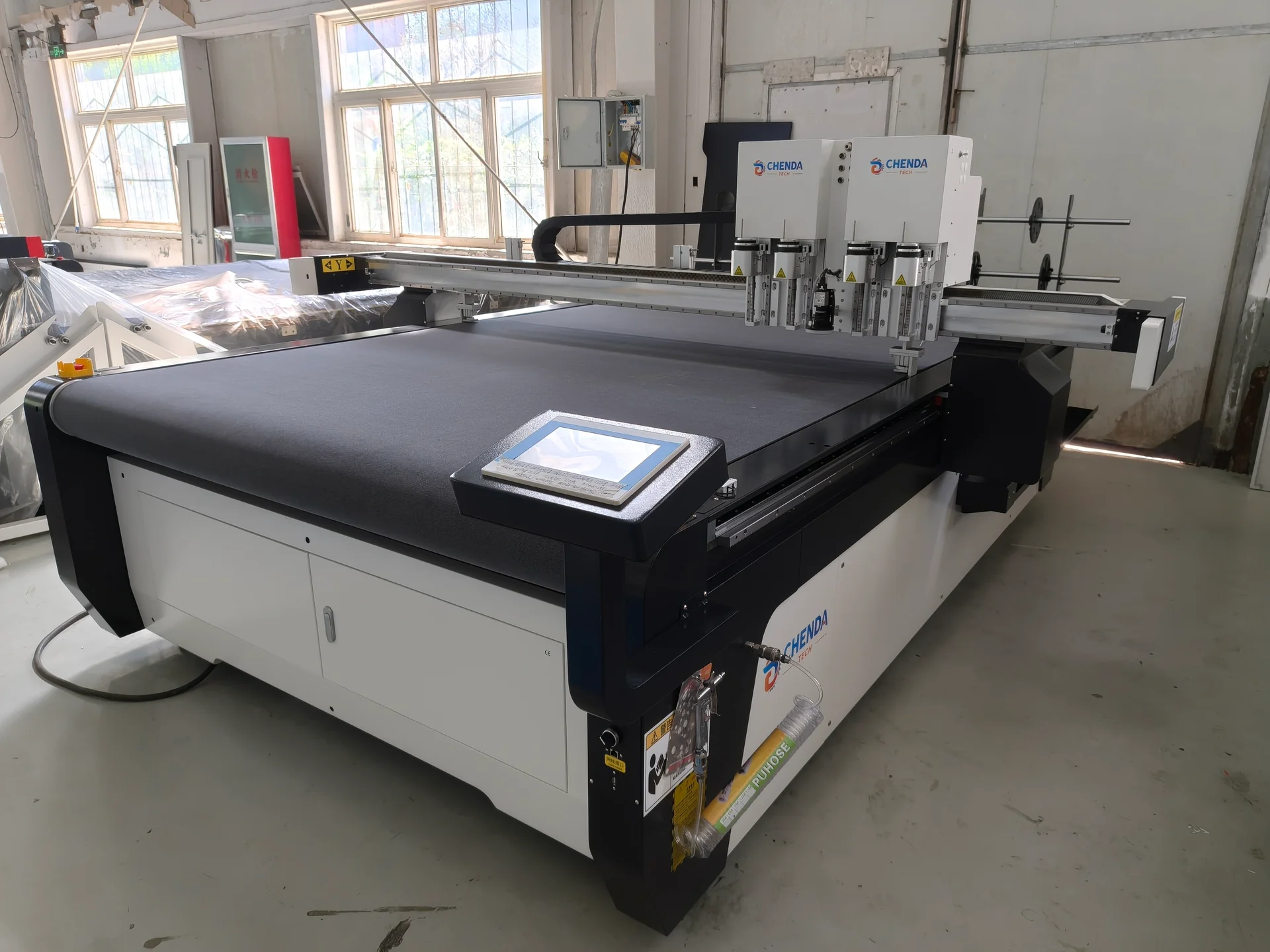
Choose the working area from pattern length and usable material width. A larger table can support longer furniture panels but increases floor space and vacuum demand. A conveyor or roll feed may improve continuous production, but it adds tracking, advance accuracy and collection questions.
CHENDA digital cutting tableRoll-feed arrangement and vacuum blower
Ask how the machine handles:
Full-width porous material
Pattern segments longer than the active cutting area
Roll changes and end-of-roll material
Skew detection and correction
Finished-part collection without mixing sets
Waste skeleton and offcut removal
Projected pattern locations · industry process reference
06 / Define the vision task
Camera and Printed Pattern Work
Printed fabrics or preprinted panels may require contour recognition or registration marks. Test real print and material because stretch can create nonuniform distortion. A system that aligns two reference points may not correct local shape changes across a large textile panel.
State whether the priority is matching a printed outline, aligning repeated motifs, preserving pair symmetry or locating a defect. These are different vision tasks.
07 / Prepare a useful cutting brief
Production Data for Selection
Supply the actual material construction
Send:
Material names, supplier sheets and representative samples
Thickness, weight or density, construction and coating
Usable roll width, roll diameter and roll weight
Stretch in warp and weft or principal directions
Grain, nap, print and mirror constraints
Largest, smallest and most detailed patterns
Notches, marks and labeling requirements
Single-layer or stack requirement
Daily mix, batch sizes and changeovers
Current nesting yield, labor and bottleneck
Downstream sewing, upholstery or lamination process
The RFQ guide also covers site utilities, timing and acceptance.
08 / Inspect after relaxation
Acceptance Test
Test more than a simple rectangle. Choose patterns with long contours, concave corners, small notches, internal cutouts, mirrored pairs and any registration requirement. Use production-width material when hold-down is a risk.
After cutting, allow elastic material to relax and then compare it with the approved pattern. Assemble or sew a representative set. Inspect:
Length, width and critical contour points
Pair symmetry and direction
Fraying, dragging or incomplete separation
Notch position and visibility
Surface marks or table imprint
Registration to print or motif
Nest yield and unusable remnants
Complete time for loading, cutting, collection and bundling
Retain the material lot and process record for comparison during commissioning.
Cut pieces and source material · process referenceContour and edge handling · cutting illustration
09 / Find the cause of variation
Common Problems
Directional constraints and pattern grouping · software reference
Pattern grows or shrinks after cutting: material tension or recovery was not controlled
Corners distort: hold-down, blade, speed or toolpath is unsuitable
Porous fabric lifts: vacuum leakage or zone coverage is inadequate
Roll walks sideways: feed alignment or tension changes during advance
Mirrored sets are mixed: nesting and collection labels are weak
Yield is below the software estimate: defects, directional rules, spacing or collection losses were omitted
Printed contours do not match: the material or printing process introduced nonuniform distortion
10 / Material-specific questions
Frequently Asked Questions
Material selection · application reference
Can a digital knife cutter cut multiple textile layers?
Possibly on suitable material and configuration, but stack height, compression, hold-down and contour quality must be tested. Do not infer multilayer performance from a single-layer video.
Is vacuum power the only factor in hold-down?
No. Table zoning, leak area, material porosity, overlay method, sheet coverage and cutting sequence all affect stability.
Can software guarantee the best material yield?
Software can optimize within defined rules. Incorrect width, defects, grain, pairing or spacing inputs create an unrealistic result. Compare approved usable parts per roll.
What is the best acceptance method?
Cut a real nested job, let the pieces relax, inspect critical dimensions and assemble or sew a representative set. Include loading and collection in the time study.
From a representative sample to the production route